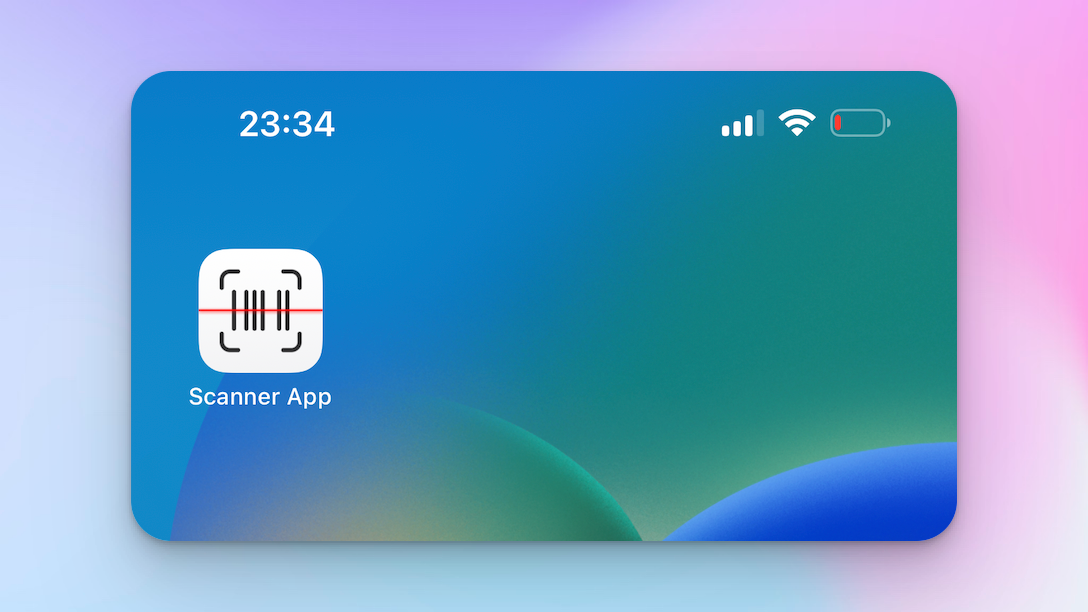
Learn how to install the Scanner App on your iOS device. The Scanner App has been developed as a Progressive Web App (PWA), which ensures better compatibility across devices. While it isn't available on the App Store, adding it to your phone is incredibly easy, and it will appear on your homepage just like any other app.
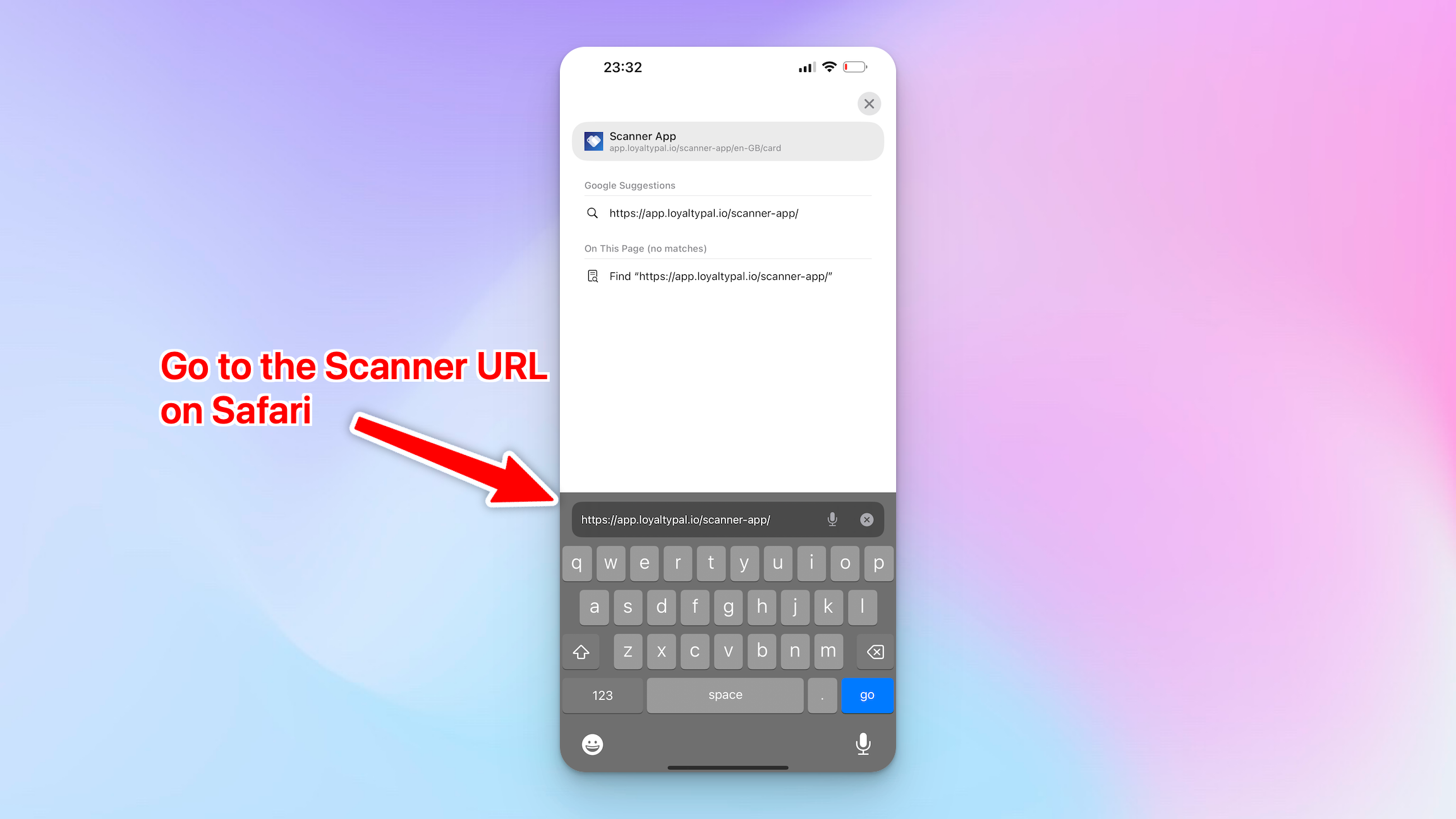
1. To install the app, visit the scanner url from the safari browser on your iPhone/iPad:https://app.loyaltypal.io/scanner-app/
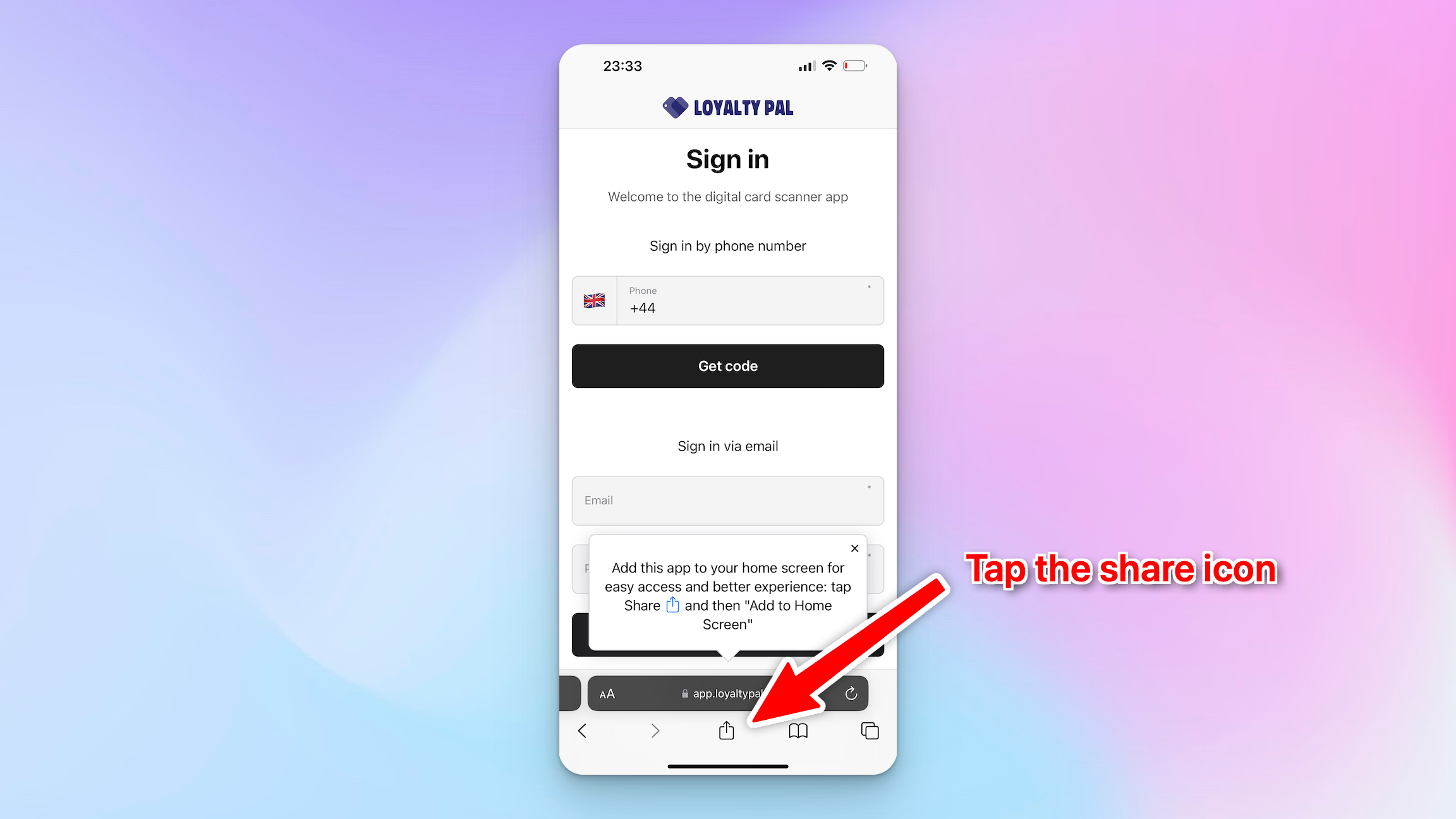
2. Once on the login page tap the share icon. (UPDATE: on iOS 26 you will need to click the (...) then the share icon)
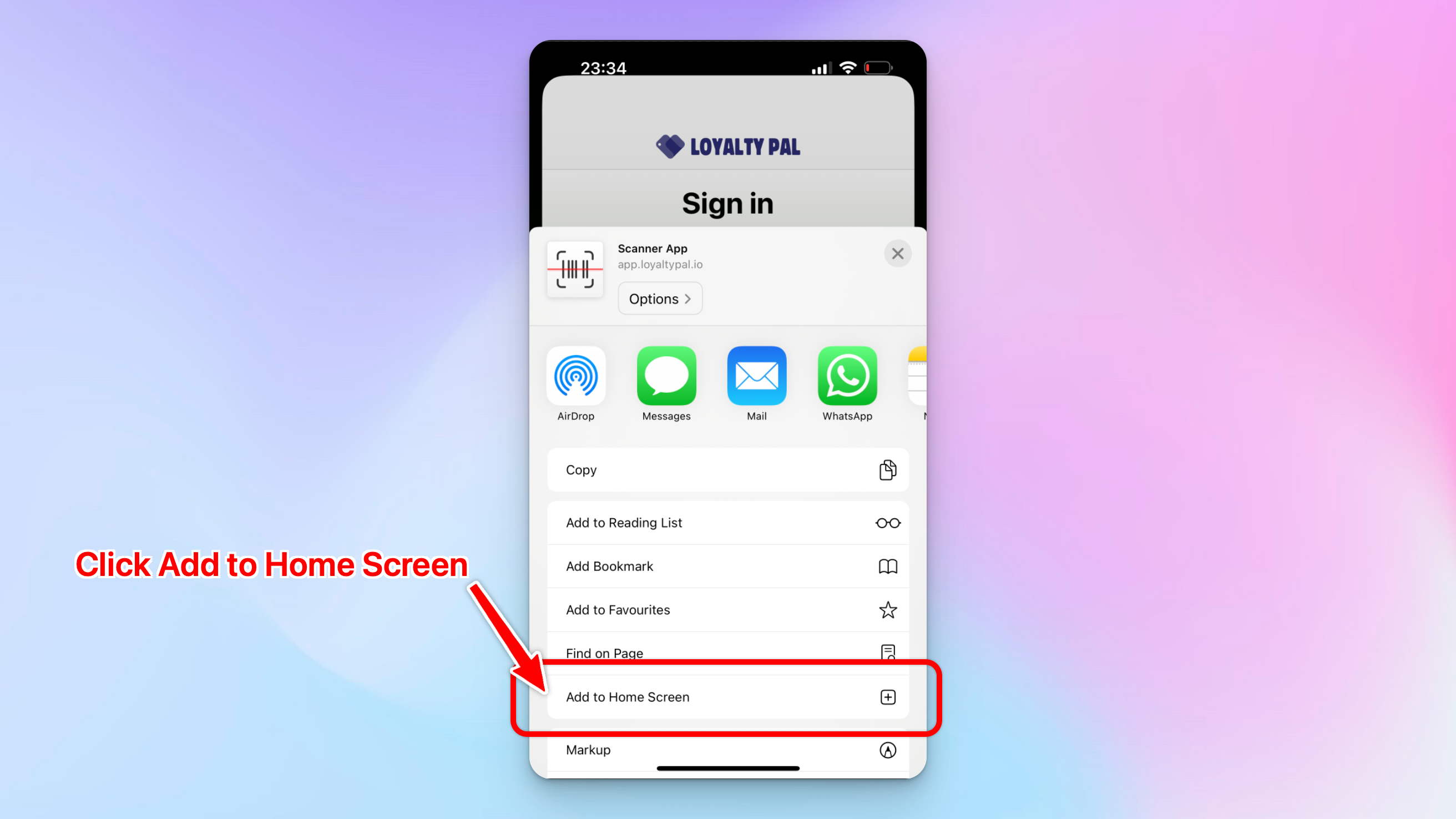
3. Click the 'Add to Home Screen' option.
4. Here you can rename the app is necessary, then click 'Add'.

5. All Done! The Scanner App will now show next to your other apps on the Home Page. Click it, login and get scanning!