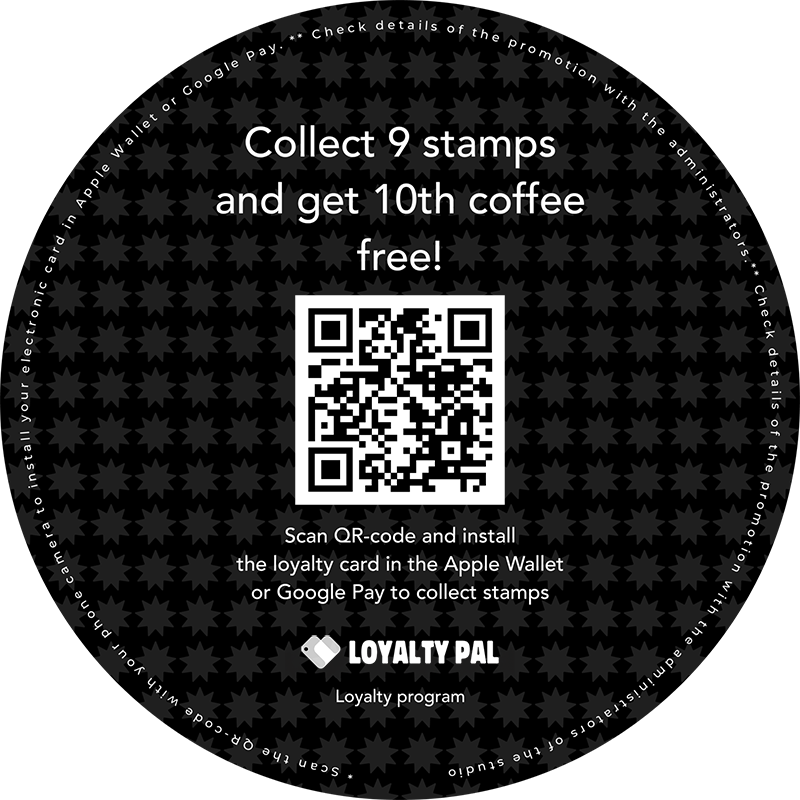
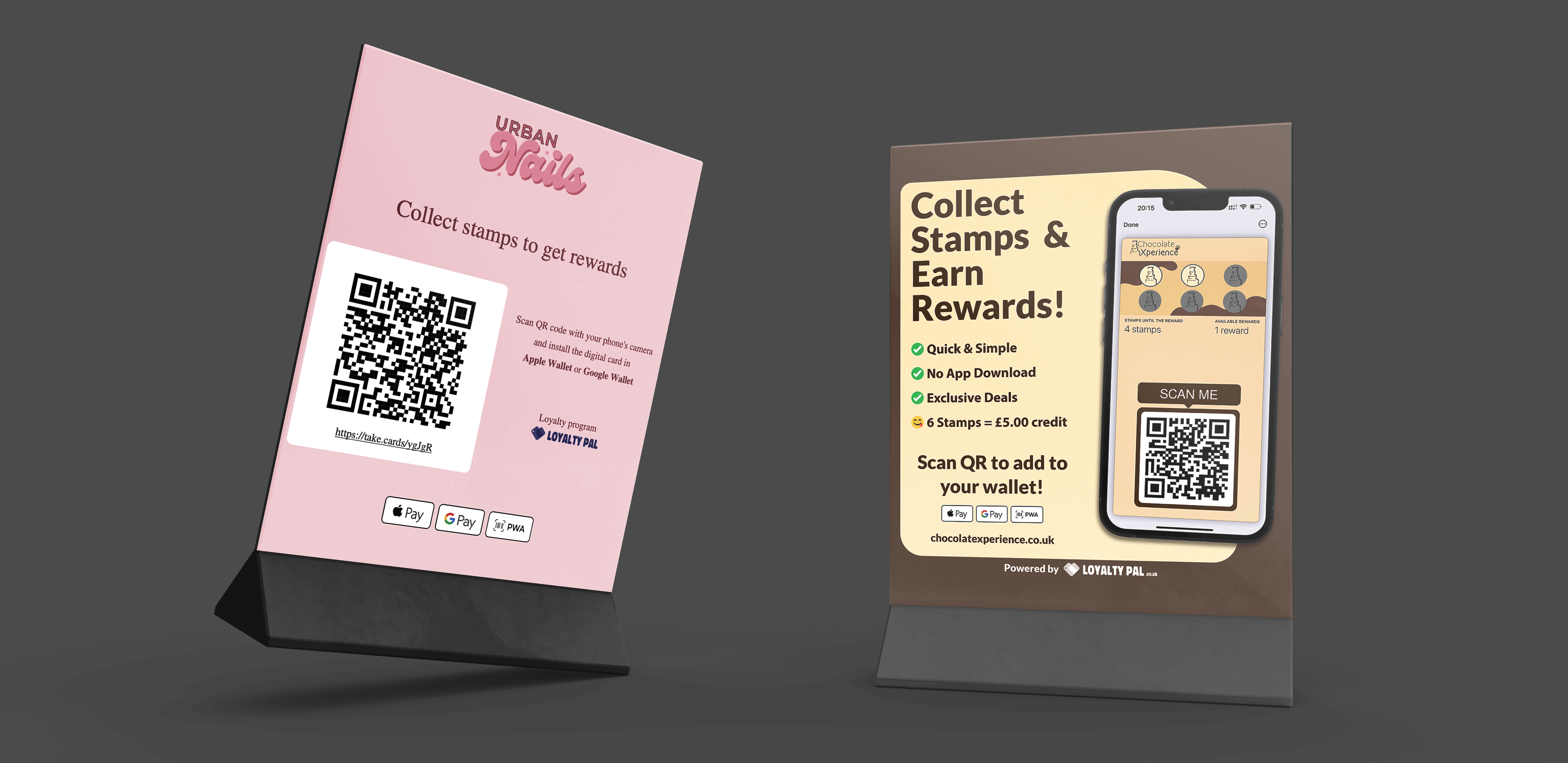
There are a number of ways to distribute your loyalty card offline in your local store. Some of the most popular ways which have been effective for our customers includes:
- Table tents (great for cafes & restaurants)
- Posters
- Printed on end of receipts
- Stickers on products
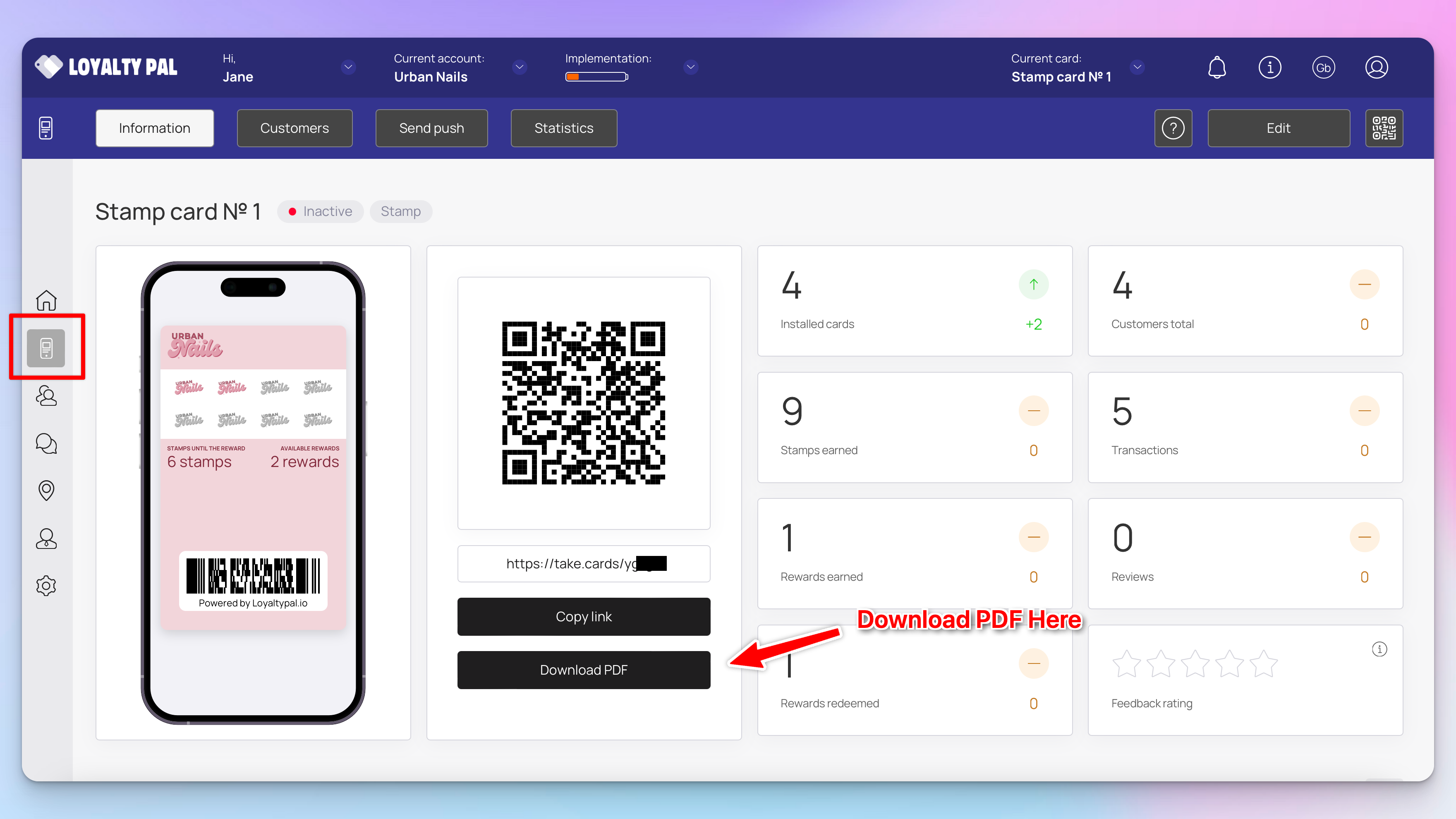
To get started LoyaltyPal automatically generates you PDF poster for every card you create with all the relevant information. The PDF file is created in A4 format that is available to print via a standard printer. You can find the PDF here:
LoyaltyPal > Left-hand menu > Cards > Select card > Download PDF
You can also save the QR code and place it anywhere, checkout the example below of a custom sticker: