Distribute your loyalty cards online via the different channels. It's super simple to share the card link and let your customers install it with a tap. The link can be placed across all your social media pages.
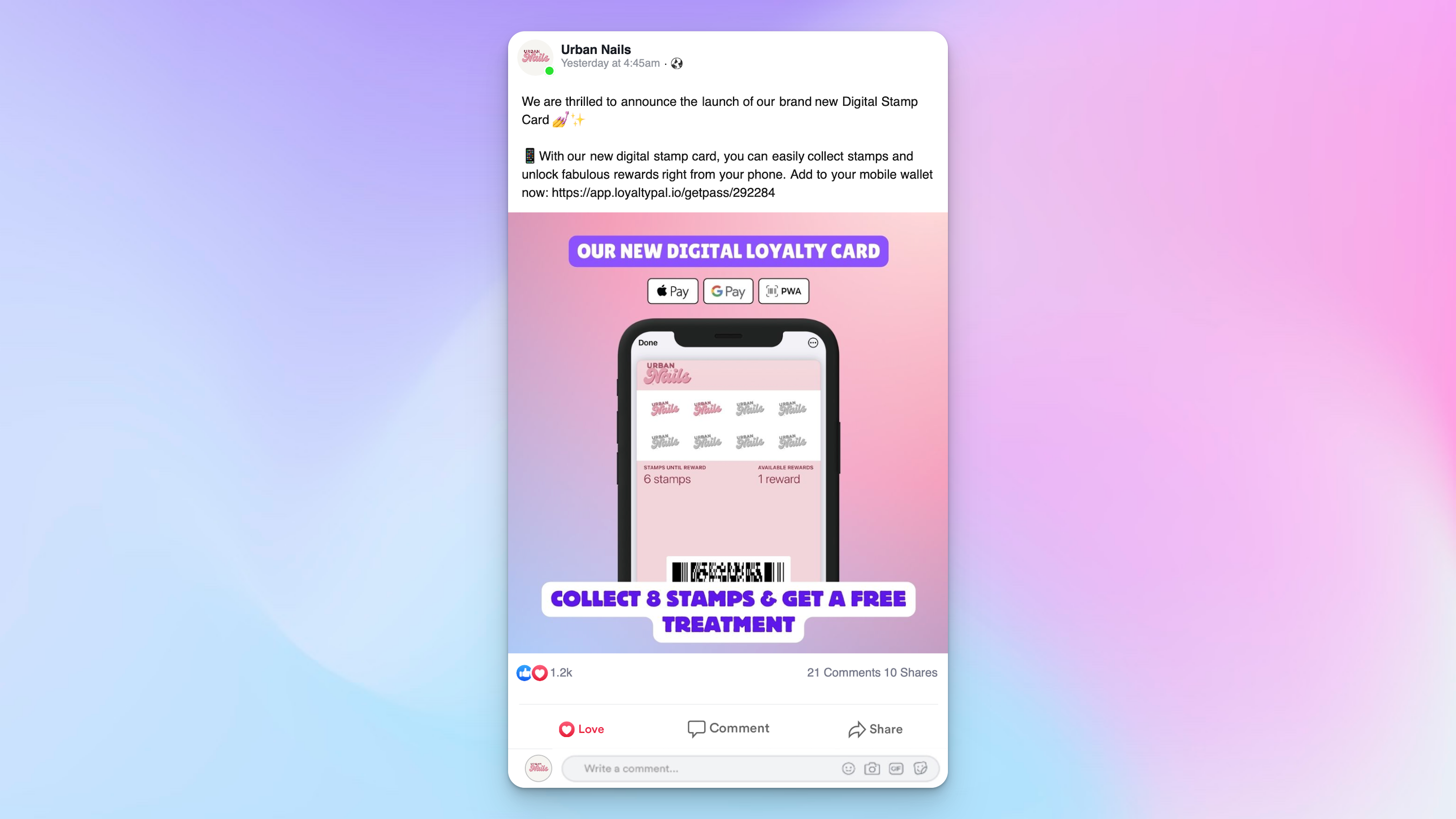
Link for sharing
LoyaltyPal > Left-Hand Menu > Cards > Select Card
- Follow the above-mentioned workflow to land on the Card Details screen.
- Click the Copy Link button. Doing so copies the card installation link on your clipboard.
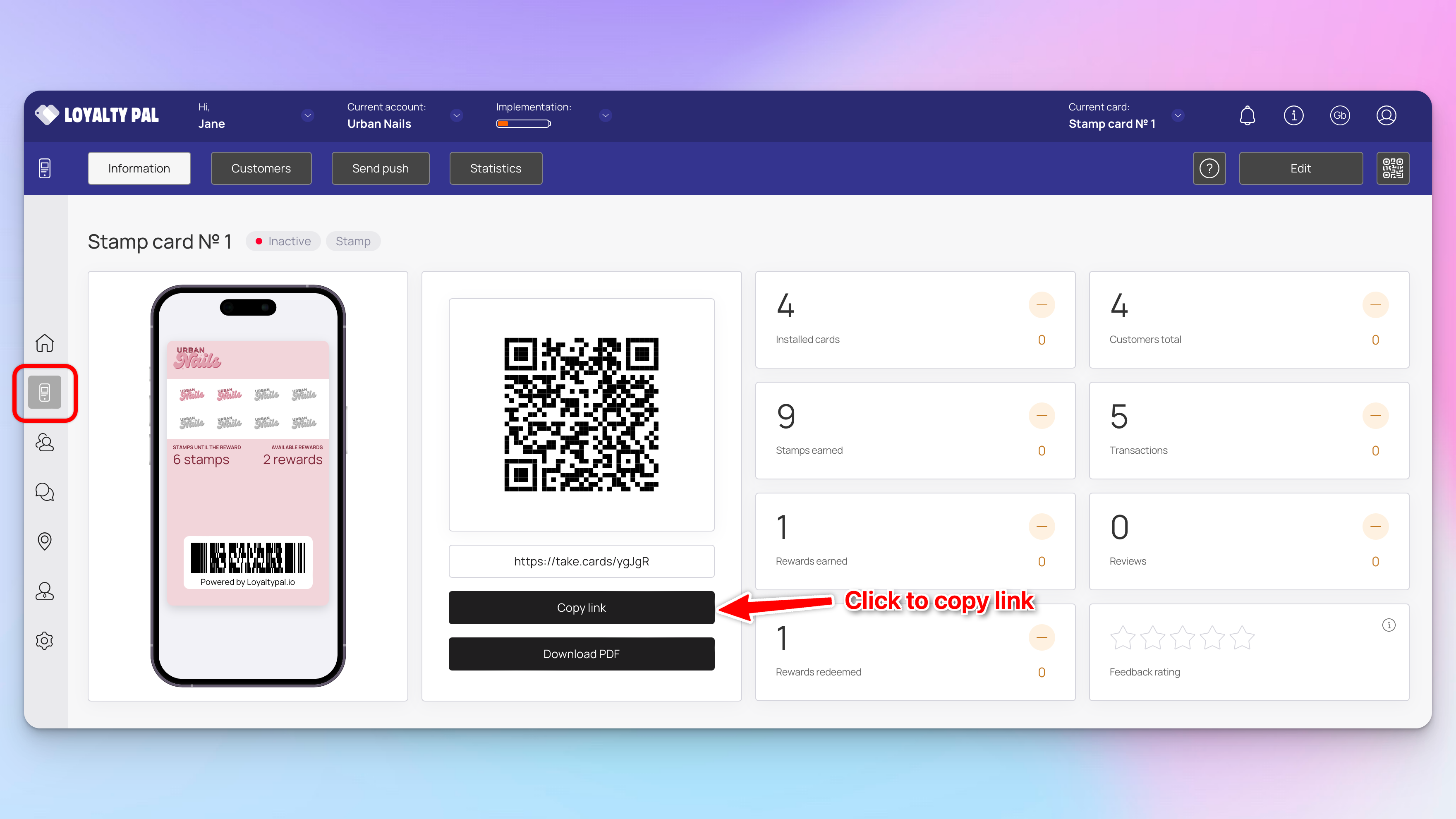
3. Once copied, you can paste the link on your social media channels for the viewers to just follow the link online and install the card.
SMS Delivery
Send cards via text message - coming soon.
Email Delivery
Send cards via Email - coming soon.