Learn how customers add your loyalty cards to their Android Devices (Google Wallet & PWA).
There are two ways Android uses can add your loyalty cards to their devices Google Wallet which is recommended & via a Progressive Web App (PWA).
Adding a Loyalty card to Google Wallet.

You can distribute your loyalty cards both online and offline for this guide will be demonstration an online method via a social media post. Learn how to distribute cards here.
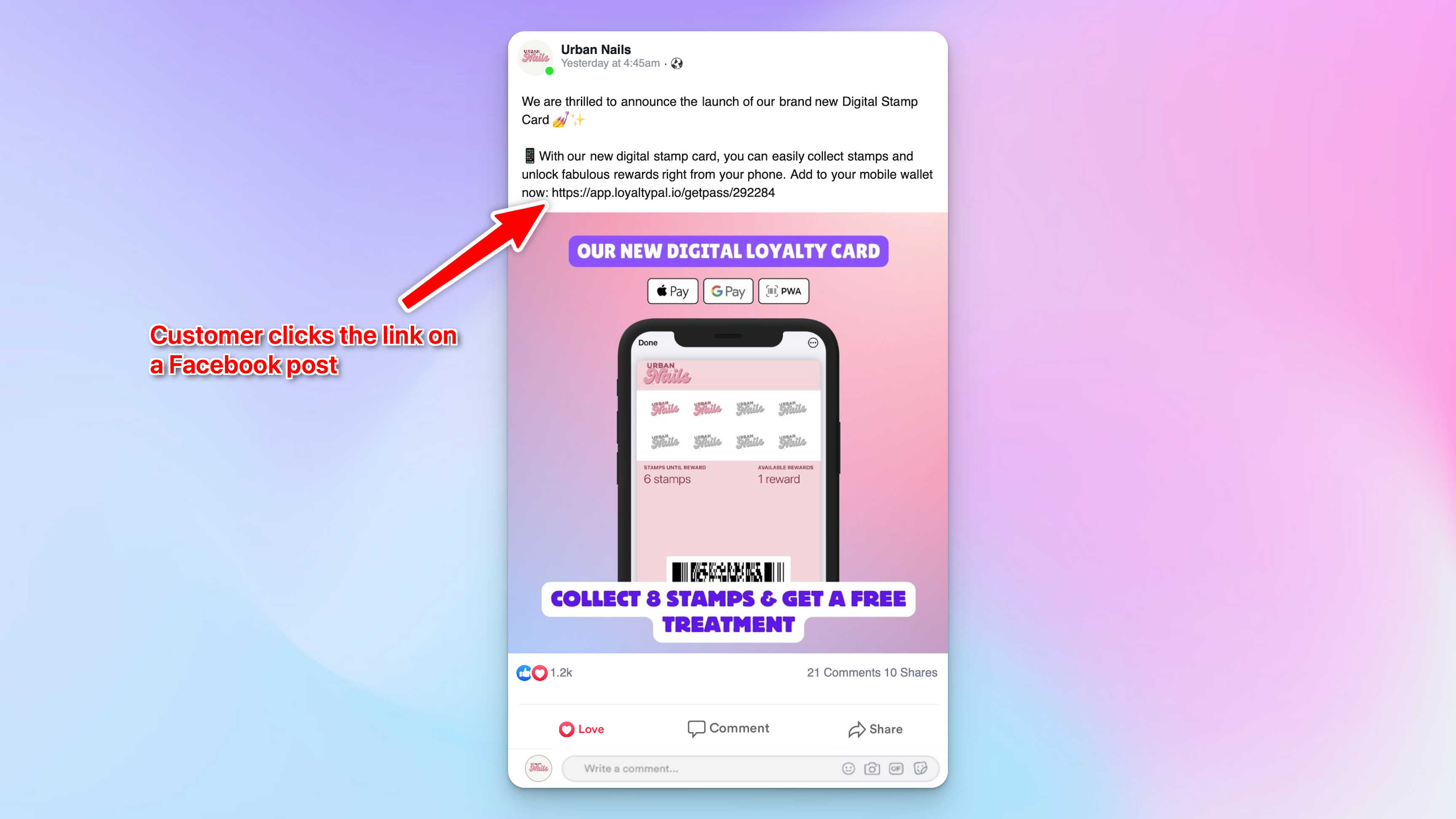
1. Customer clicks the link shared on the companies social media post.
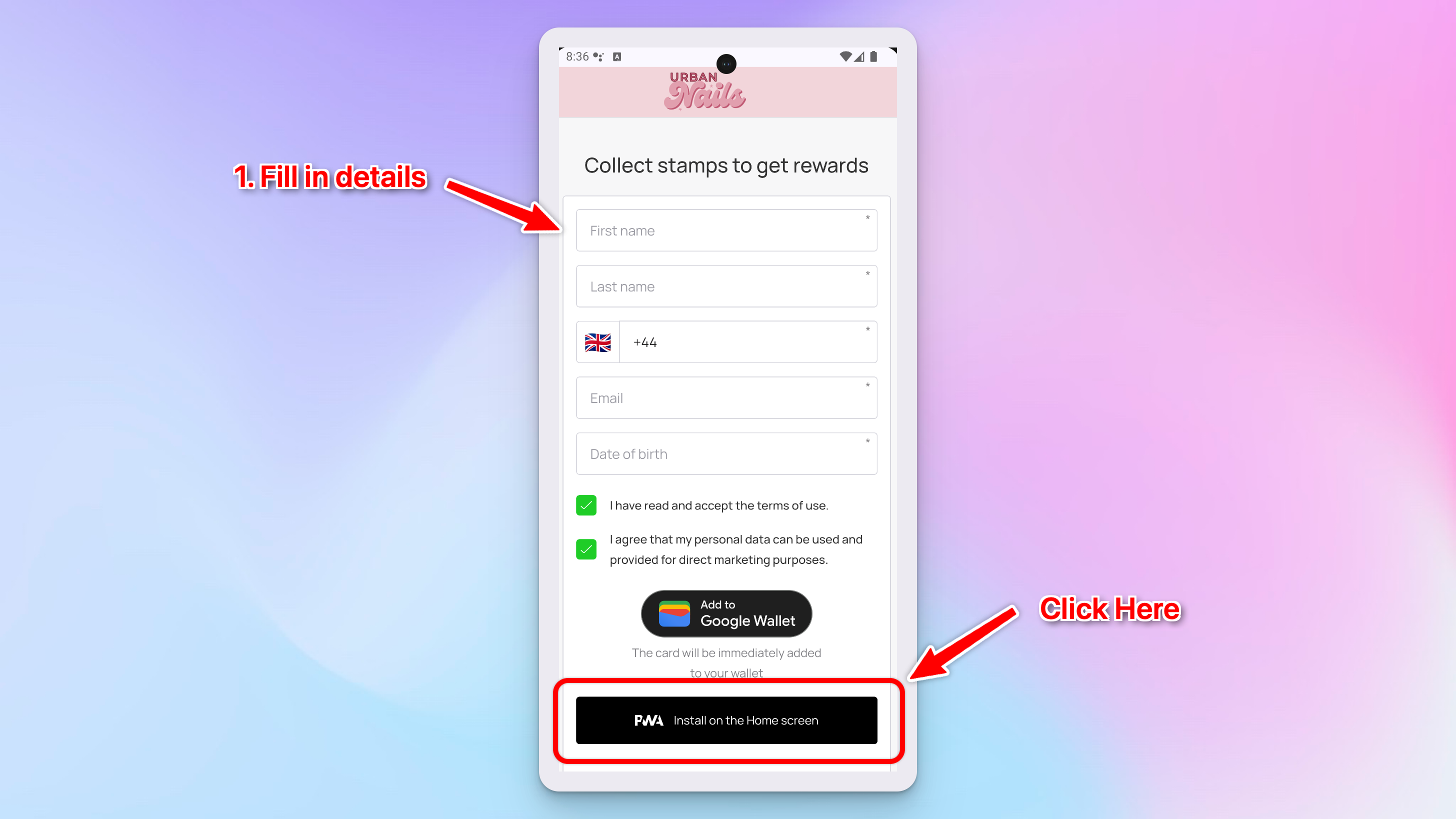
2. They are then redirected to the registration page. Here the customer will fill in their details to register for a card and click the 'Add to Google Wallet' button. Fields can be fully customised to collect the data you need.

3. Google Wallet will open with a preview the card just click 'Add'.
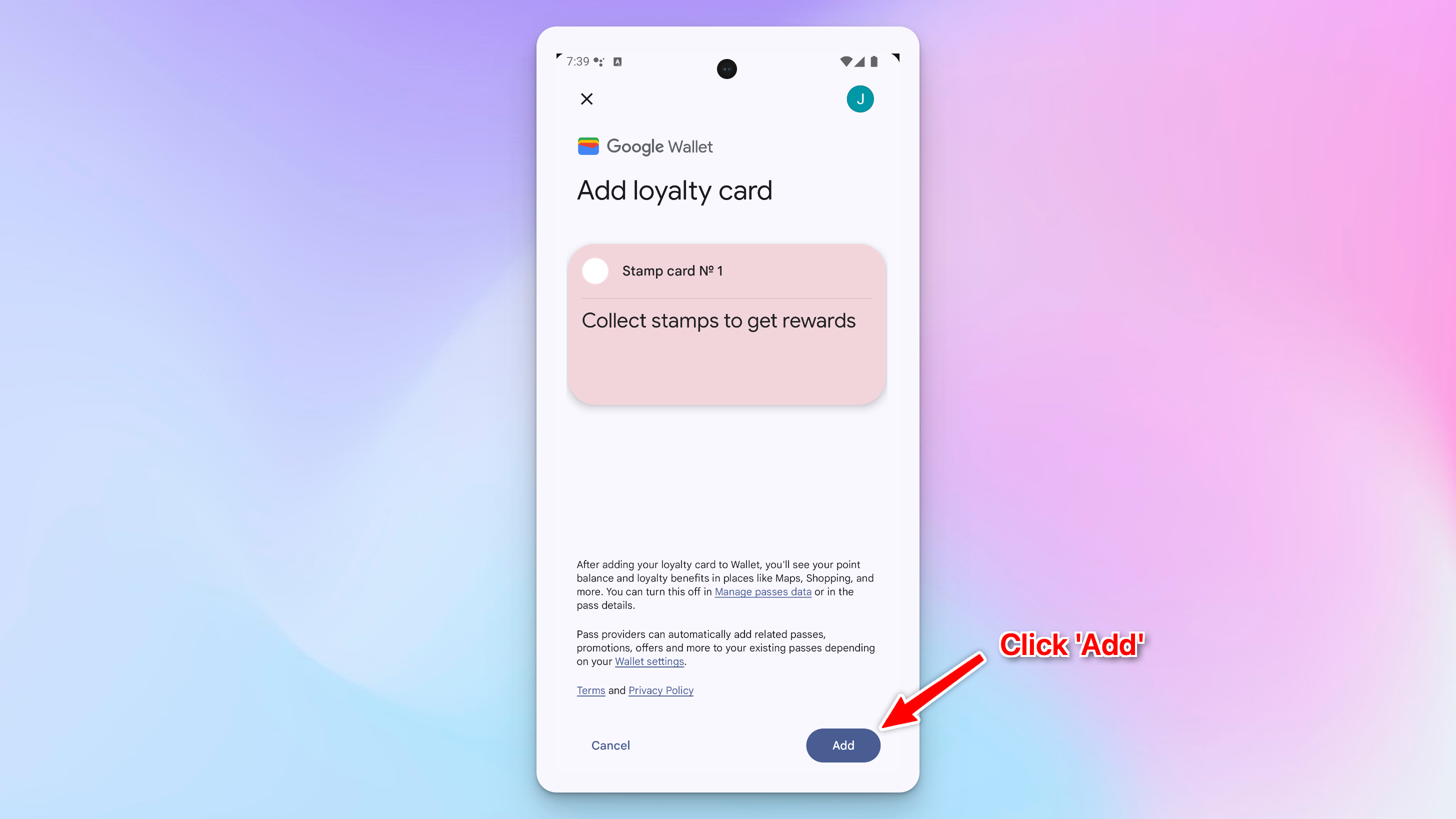
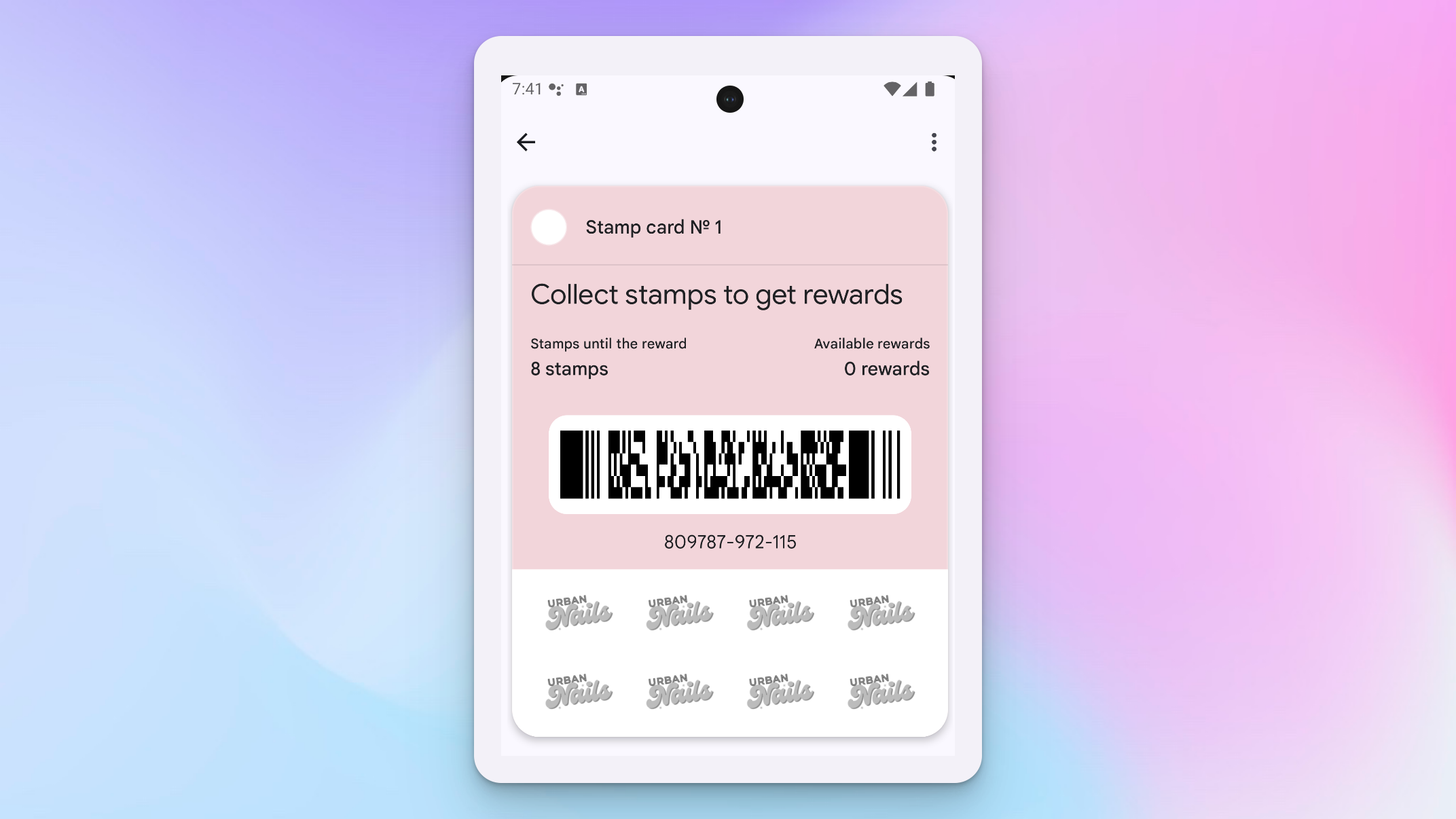
4. Done the card is now ready to be scanned.
Adding a Loyalty card via PWA.

You can distribute your loyalty cards both online and offline for this guide will be demonstration an online method via a social media post. Learn how to distribute cards here.
1. Customer clicks the link shared on the companies social media post.
2. They are then redirected to the registration page. Here the customer will fill in their details to register for a card and click the PWA install button. Fields can be fully customised to collect the data you need.
3. The card will open on the browser with a prompt to Install the card, click 'Install'.

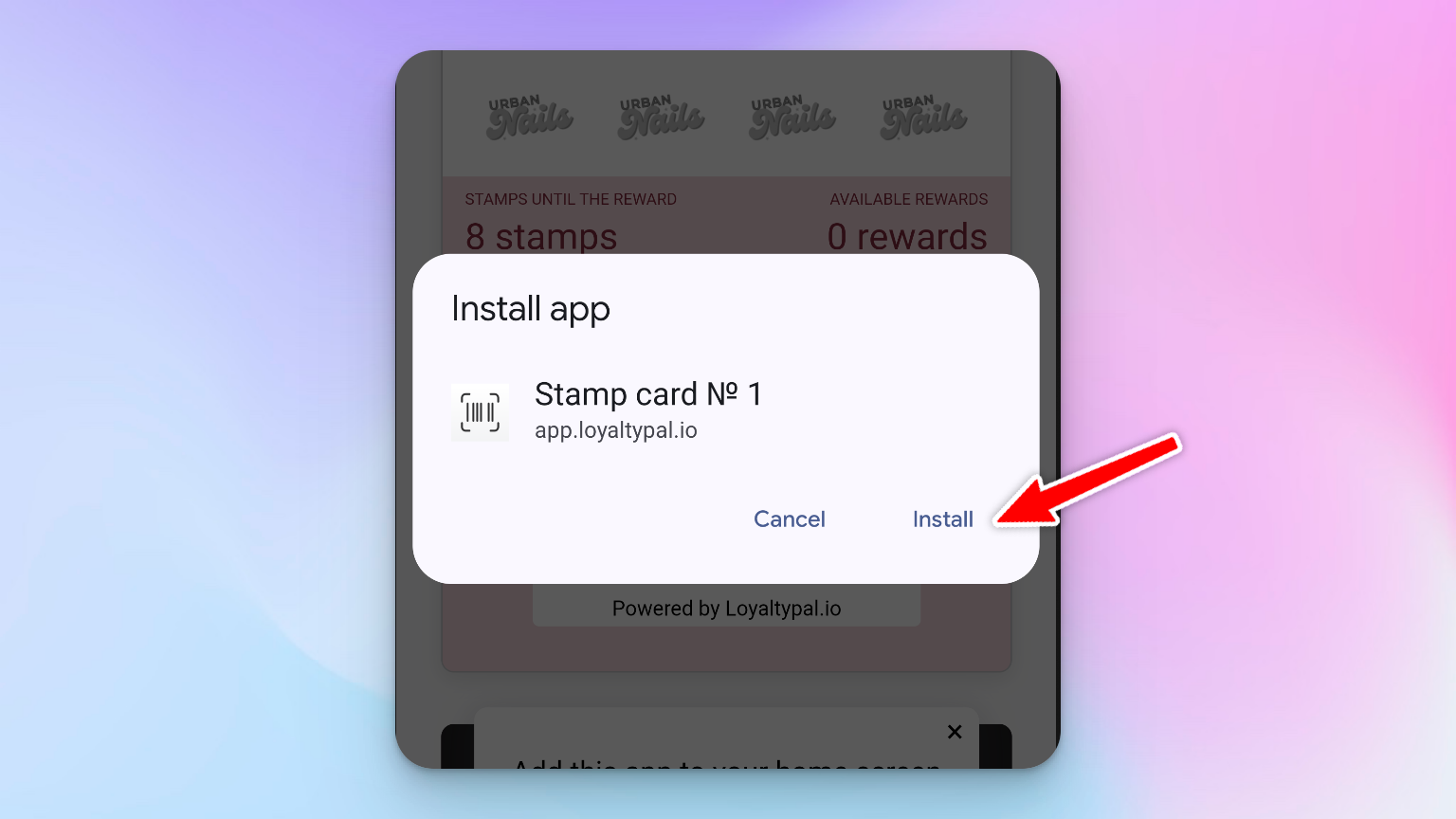
4. A popup will appear to confirm the install click 'Install'.
5. All done the card will now be added to the app library.