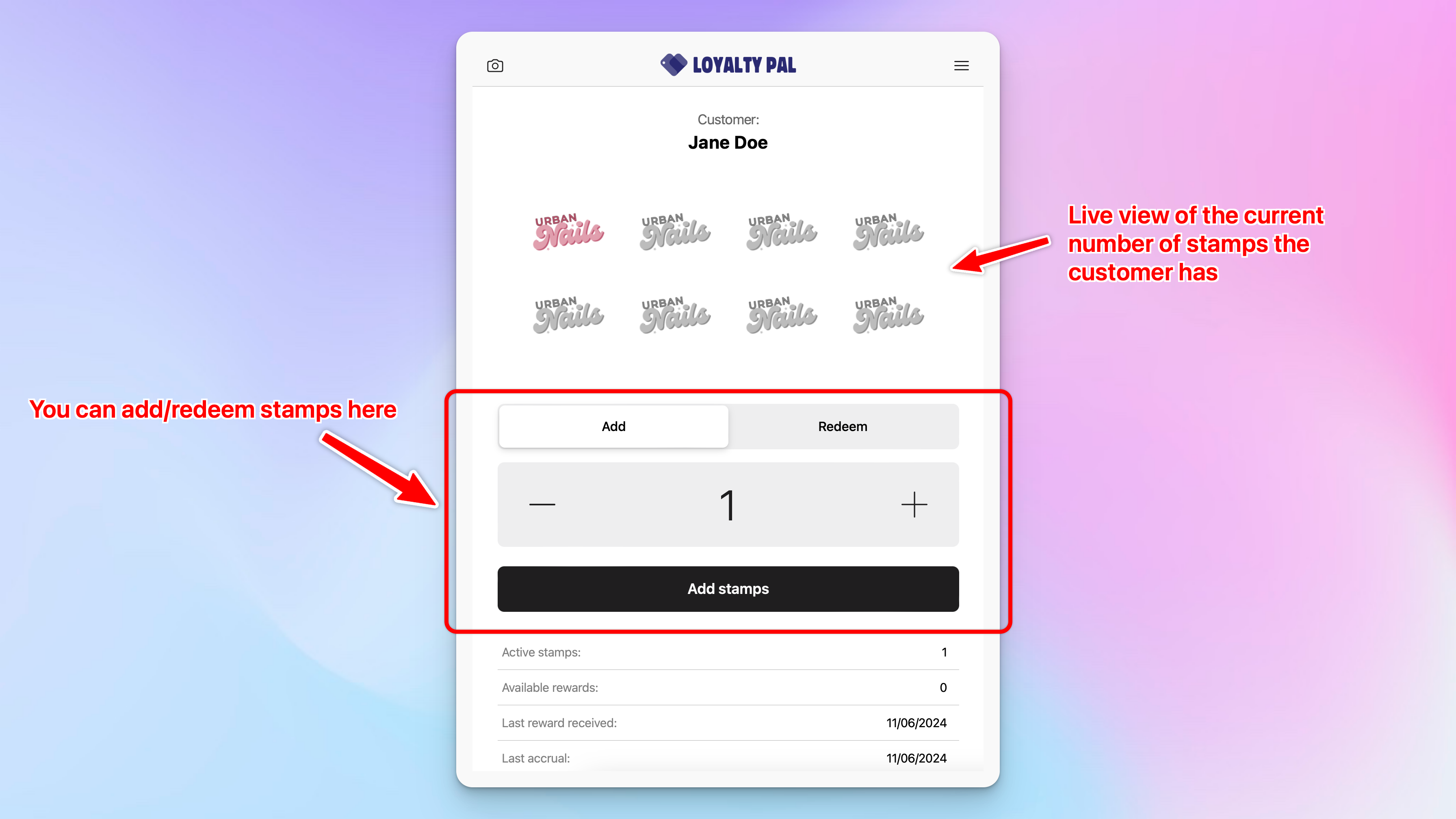
This quick guide will teach you all the basics on how to use the Scanner App. The Scanner app lets you quickly scan customers cards to add/redeem stamp, points etc.
For this guide we are showing an example of how the stamp card works, in-depth guides of each card types can be found here.
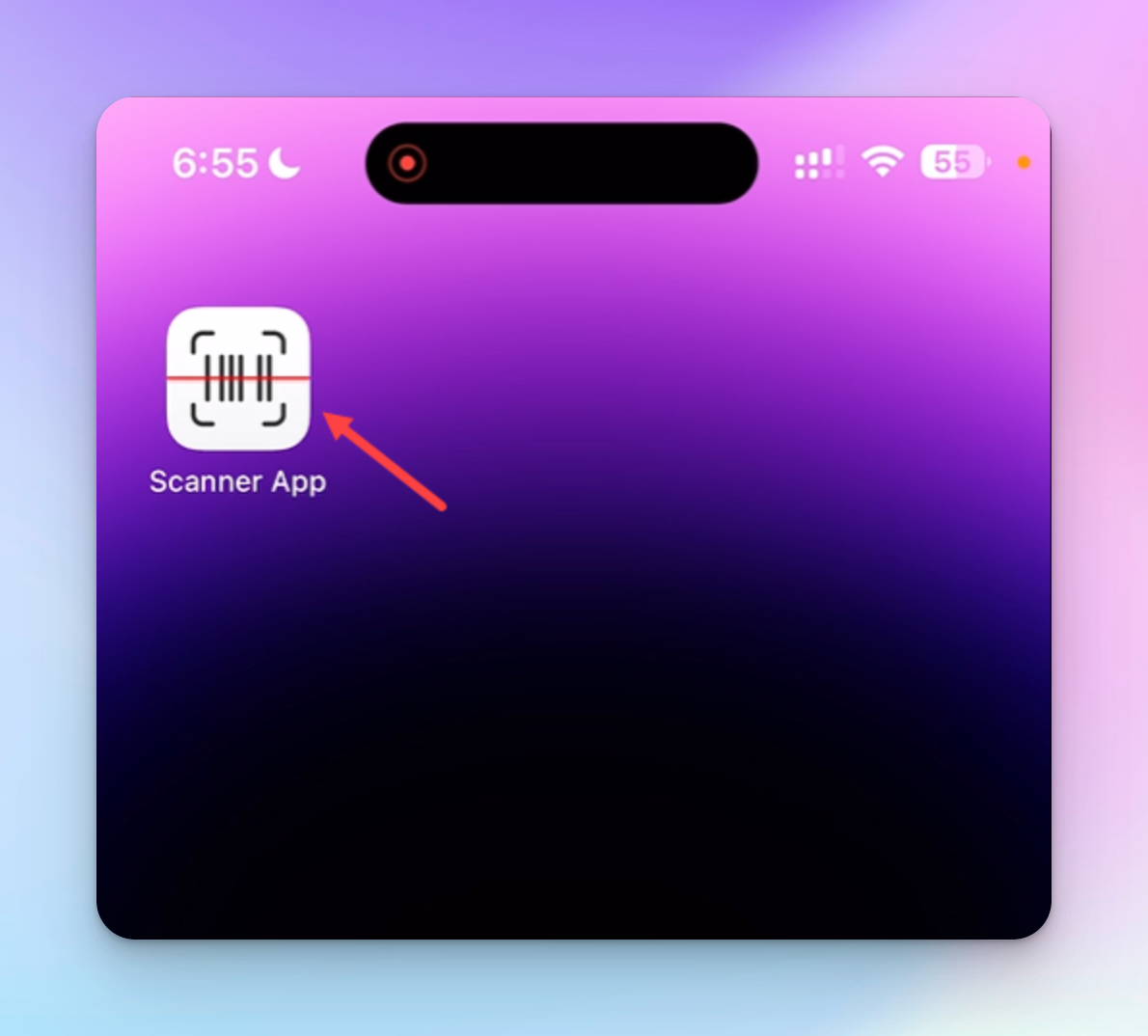
1. Login to the Scanner App via the following URL: https://app.loyaltypal.io/scanner-app/
Learn how to add the app to your iOS & Android homepage for quick access.
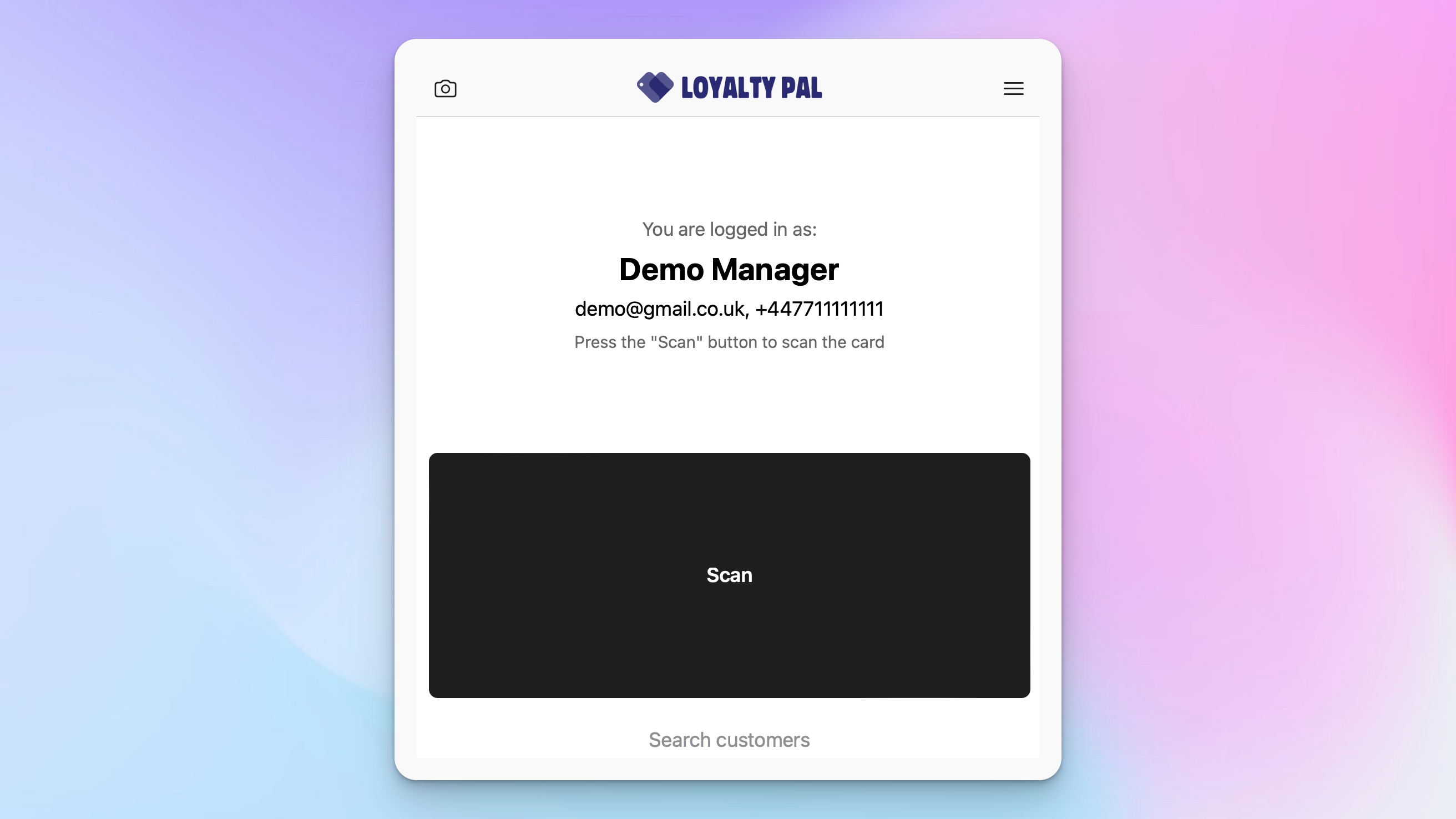
2. As you open the application, the home page is displayed to you.
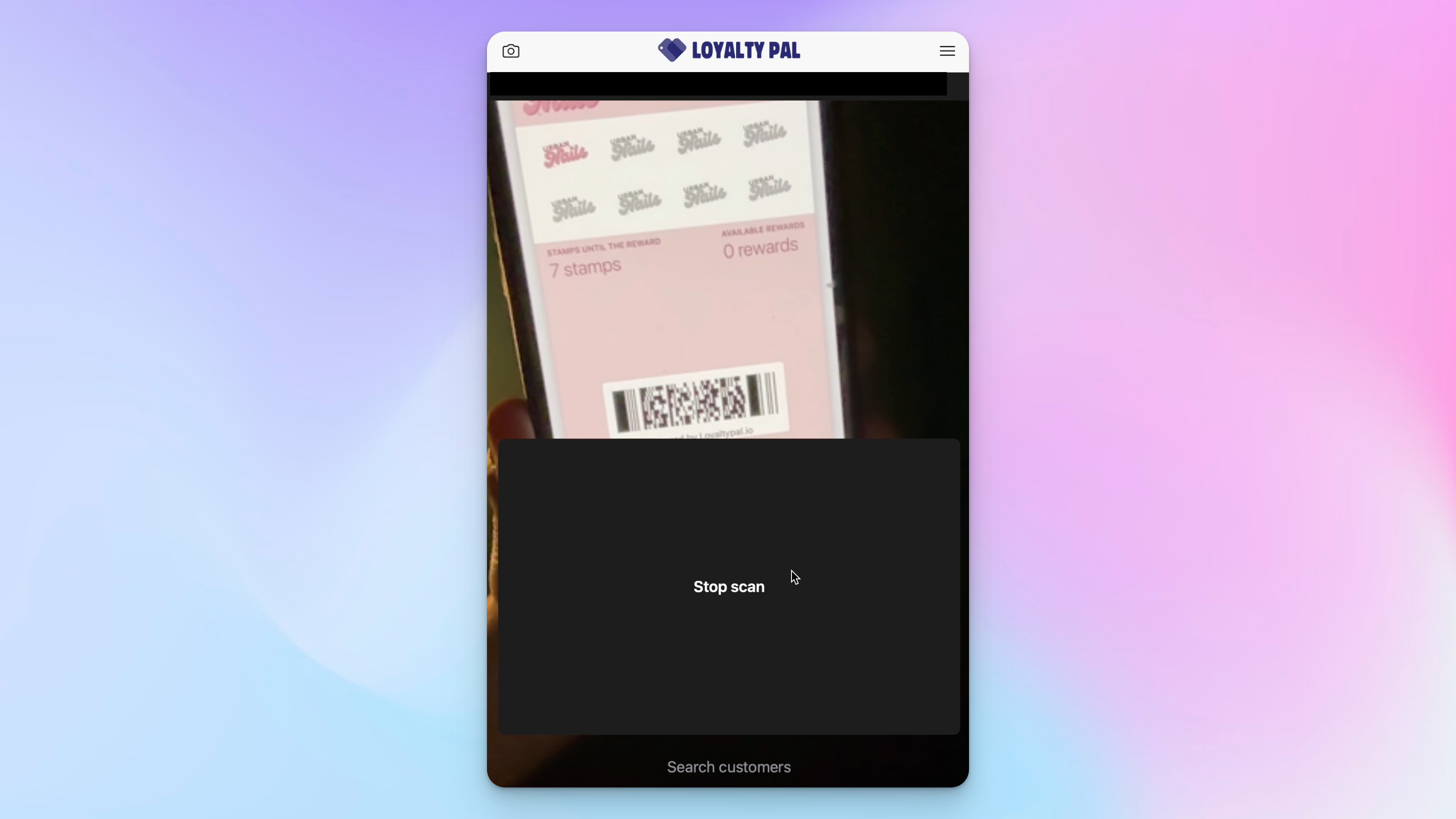
3. Click 'scan' the first time you do this you will need to allow the app to use your devices camera. You will then be able to scan the customers loyalty card.
4. You will be taken to a view of the customers card from here you can add/redeem and view some stats of the customer such as their last visit, number of rewards etc.
Adding Stamps: Use the + and - buttons to select the required number of stamps and click 'Add stamps'
Redeeming Stamps: Switch to the 'redeem tab then use the + and - buttons to select the number of rewards to redeem then click 'redeem rewards'. (This is only be available once the customer has collected enough stamps to earn a reward).